Can AI really set CNC cutting parameters?
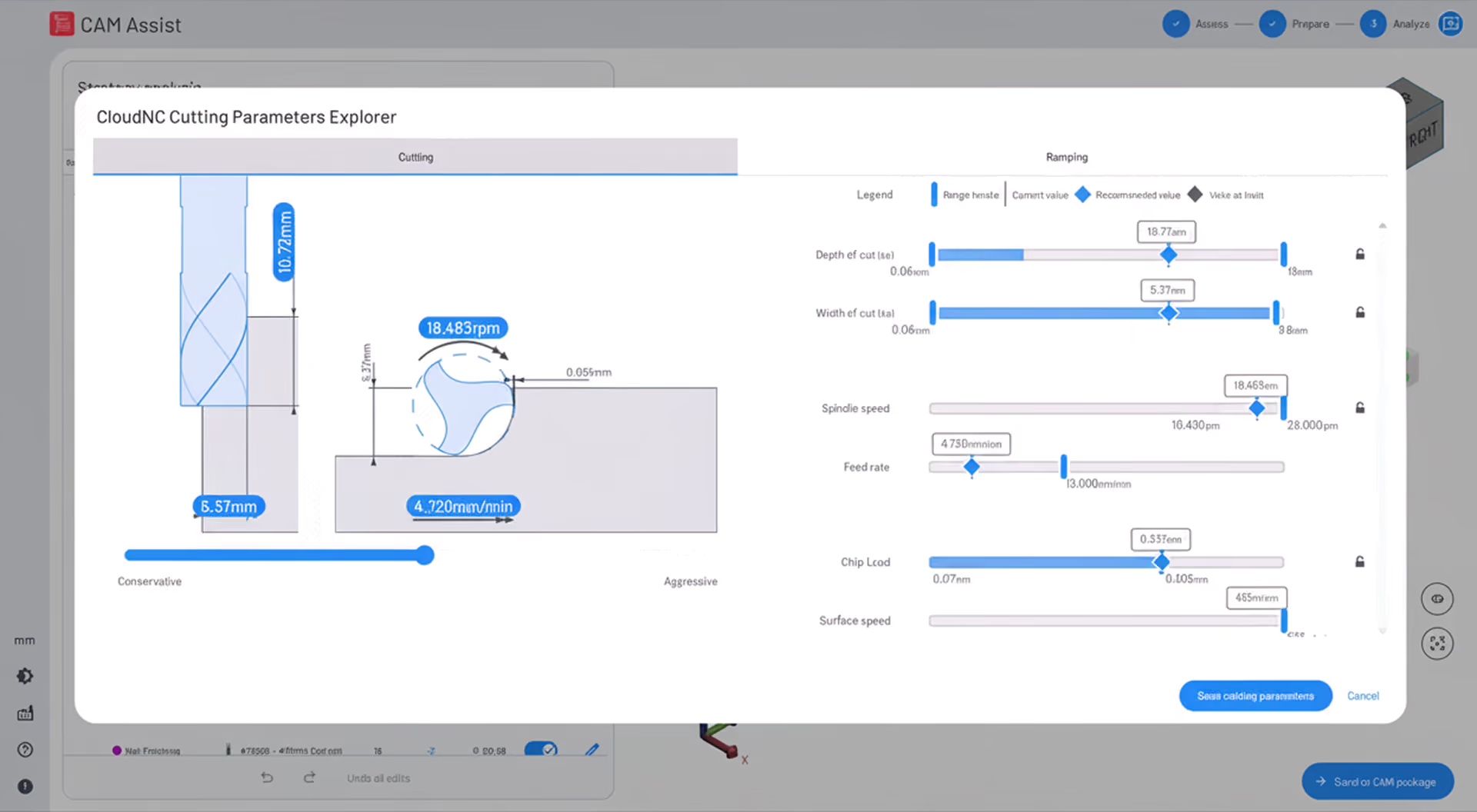
That’s the question we set out to answer in our latest video introducing Cutting Parameters Explorer, or CPE - a feature inside CAM Assist designed to help machinists and CAM programmers set better feeds and speeds, faster.
In the film, Jack, Senior Product Owner at CloudNC, takes CPE from the screen to the shop floor. We show how it recommends cutting parameters for real machining scenarios, how machinists can adjust those recommendations, and what happens when we put them to the test on the machine.
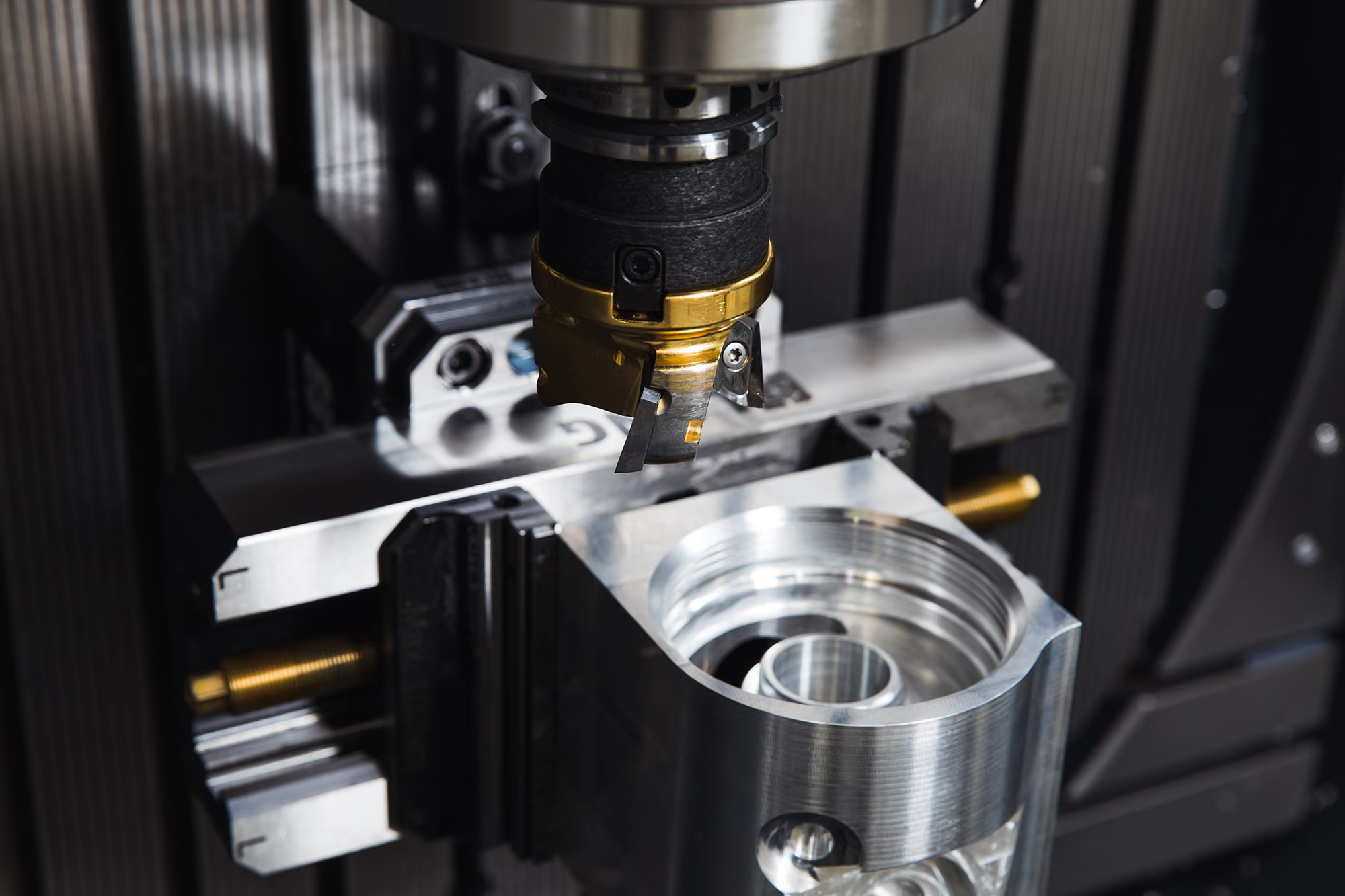
Watch the full video below to see CPE in action, including slow-motion footage of the cuts, chip formation, tool engagement and surface finish.
Feeds and speeds are one of the most important decisions in machining - and one of the most common places where time, money and performance get left on the table.
Run too conservatively, and cycle times become longer than they need to be. Push too hard without understanding the limits, and you risk poor surface finish, worn or broken tools, unstable cutting conditions, or scrapped parts.
CPE is built to help solve that problem.
Rather than relying on generic book values, fixed presets or trial-and-error adjustments, CPE recommends cutting parameters based on the specific machining context in front of you.
That means it is not simply asking:
What is the standard feed and speed for this tool?
It is asking a better question:
What cutting parameters make sense for this specific operation, on this specific setup?
What is Cutting Parameters Explorer?
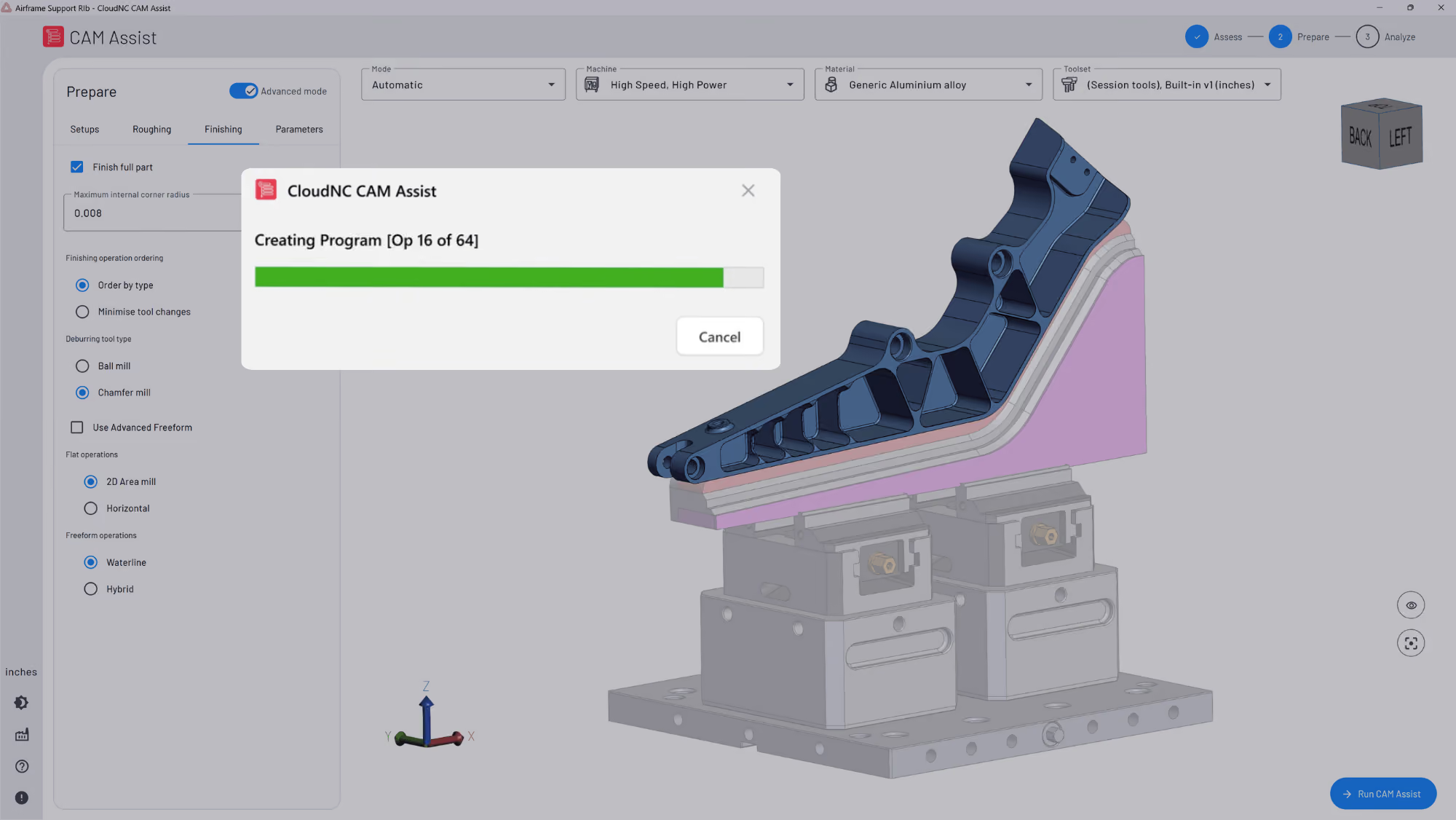
Cutting Parameters Explorer is part of CAM Assist, CloudNC’s AI solution for accelerating CNC toolpath generation.
CPE focuses specifically on cutting data. Its role is to help users generate safe, reliable and productive feeds and speeds much faster than traditional manual methods.
A lot of the information required to generate a recommendation is pulled in automatically from CAM Assist. From there, CPE considers the real cutting scenario, including factors such as:
- Part material
- Machine limits
- Tool and holder geometry
- Workholding conditions
- Operation type
- Depth and width of cut
- Chip load
- Feed rate and spindle speed
- Deflection limits
- Surface finish targets
The result is a recommendation that is tailored to the actual operation, rather than a one-size-fits-all value.
How CPE makes its recommendations
CPE uses a combination of physics models and hybrid AI to calculate cutting parameters.
It takes into account the geometry of the tool and holder, the material being machined, and the forces likely to be generated during the cut. Those forces matter because they influence tool deflection, vibration, surface finish, cutting stability and, in extreme cases, the risk of tool breakage.
The aim is to maximise productivity while staying within acceptable limits.
Just as importantly, CPE does not simply produce a number and ask you to trust it blindly. It helps show what is influencing the recommendation.
For example, a cut might be limited by spindle power, torque, tool deflection, workholding security, surface finish requirements or another constraint. By making those limits visible, CPE gives machinists and CAM programmers more useful information when deciding how to run the operation.
That is a major difference from traditional trial-and-error processes, where you often only discover the limit after you have already reached it.
CPE is not about replacing machinist judgement
One of the most important ideas behind CPE is control.
The goal is not to force a single recommendation onto every user. Instead, CPE gives machinists a faster, more scientific starting point - and then lets them tune the recommendation depending on what matters most.
For example, a user might want to bias the cut towards tool life, stability or surface finish. In another situation, they might want to prioritise productivity and material removal rate.
CPE allows users to adjust constraints and regenerate recommendations on the spot. That means the machinist’s knowledge of the machine, tool, fixture and part is still central to the process.
This is AI making the trade-offs clearer, faster and easier to act on, rather than replacing machining expertise.
Why this matters for machinists and CAM programmers
For experienced users, CPE can remove a lot of the time and guesswork involved in setting feeds and speeds for each operation.
For less experienced users, it provides a safer and more informed starting point, especially when working with unfamiliar tooling, materials or cutting conditions.
For everyone, it makes the constraints visible.
That means users are not just accepting a recommendation. They can understand why it makes sense, what is limiting it, and what they could change if they want to go further.
The result can be faster cycle times, more consistent programming, better tool life, improved right-first-time performance and fewer compromises from generic parameter presets.