Peter Mitchell is a custom bicycle frame builder based in London, Kentucky, USA. Through Capitol Bicycles, he designs and builds one-off, made-to-measure frames for riders looking for something unique, personal and precisely fitted to them.
We spoke to Peter about running a craft business, getting into machining, and how CAM Assist is helping him turn designs into parts more quickly and with more confidence.
- Who are your customers, and what do you make for them?
I make handmade bicycle frames, made-to-measure and rider-specific. I don’t do anything mass-produced.
My customers are generally experienced riders who are either looking for something unique and special, or people who can’t get comfortable on a regular bicycle. I take a handful of body measurements, then design a frame built around that person’s requirements and needs.
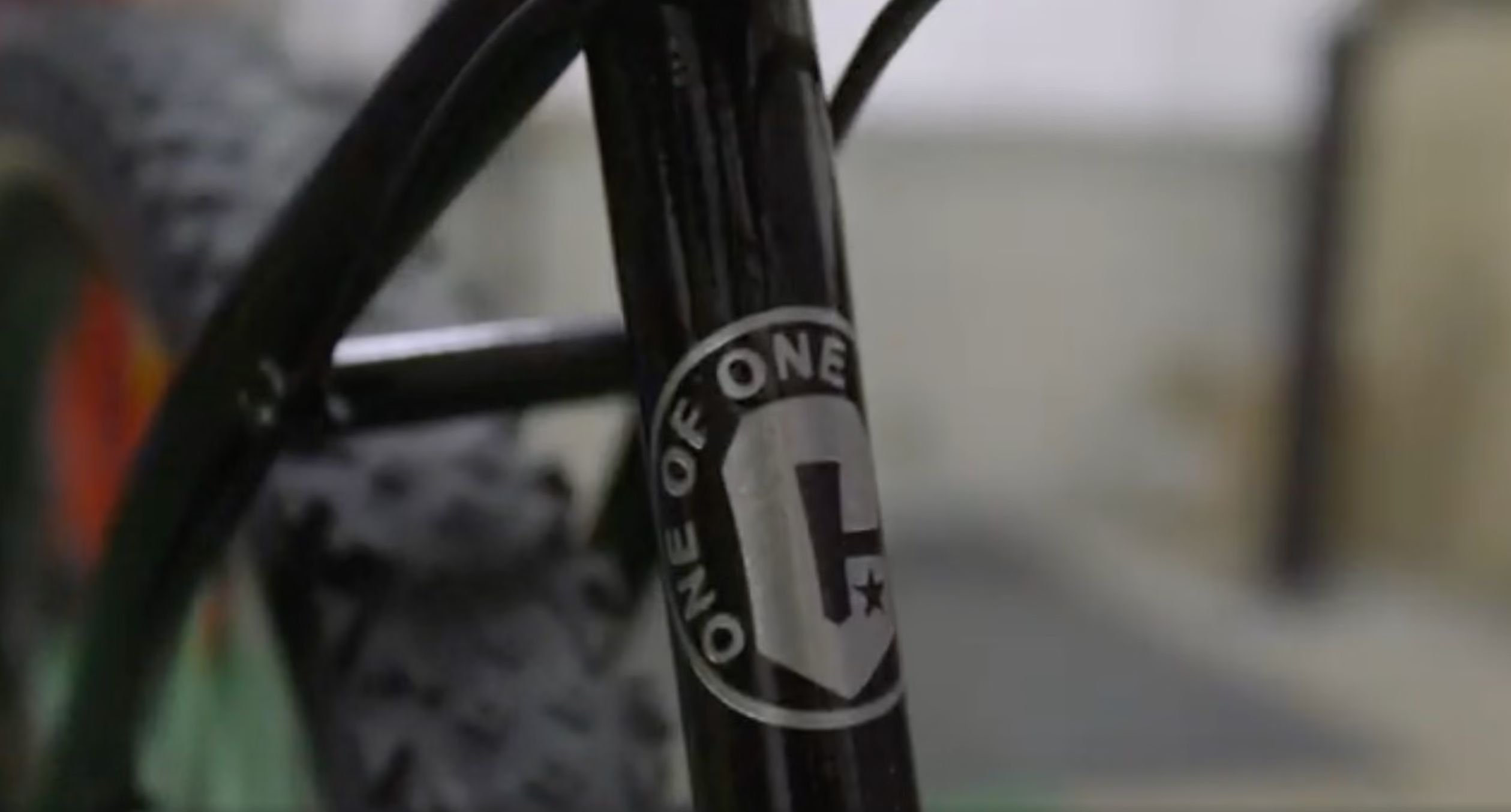
I manufacture in steel, titanium, aluminum and stainless steel. Every bike I make is different. My logo is “one of one”, so every bike I make is different, either by design or by paint finish. I always like to reflect a little bit of the customer on the bicycle to make it completely unique.
- What challenges do you have in your business today?
The biggest challenge is a shrinking customer base. Since I’ve been in the USA, which is eight years, the number of frame builders has fallen from over 280 to less than 70.
The second challenge is rising material costs. Transport has doubled, material costs are up, and imported goods have become much more expensive. That has led to a decline in business in terms of orders going forward.
Part of the reason I got into manufacturing was to create another revenue stream and help keep the business sustainable.
- When did you start using CAM Assist?
I started using CAM Assist about three months ago, so I’m a very new user.
- How do you use it? How does CAM Assist help you, and how does it fit into your workflow?
I’m not a trained machinist, so the biggest challenge for me has been toolpaths and machining strategy.
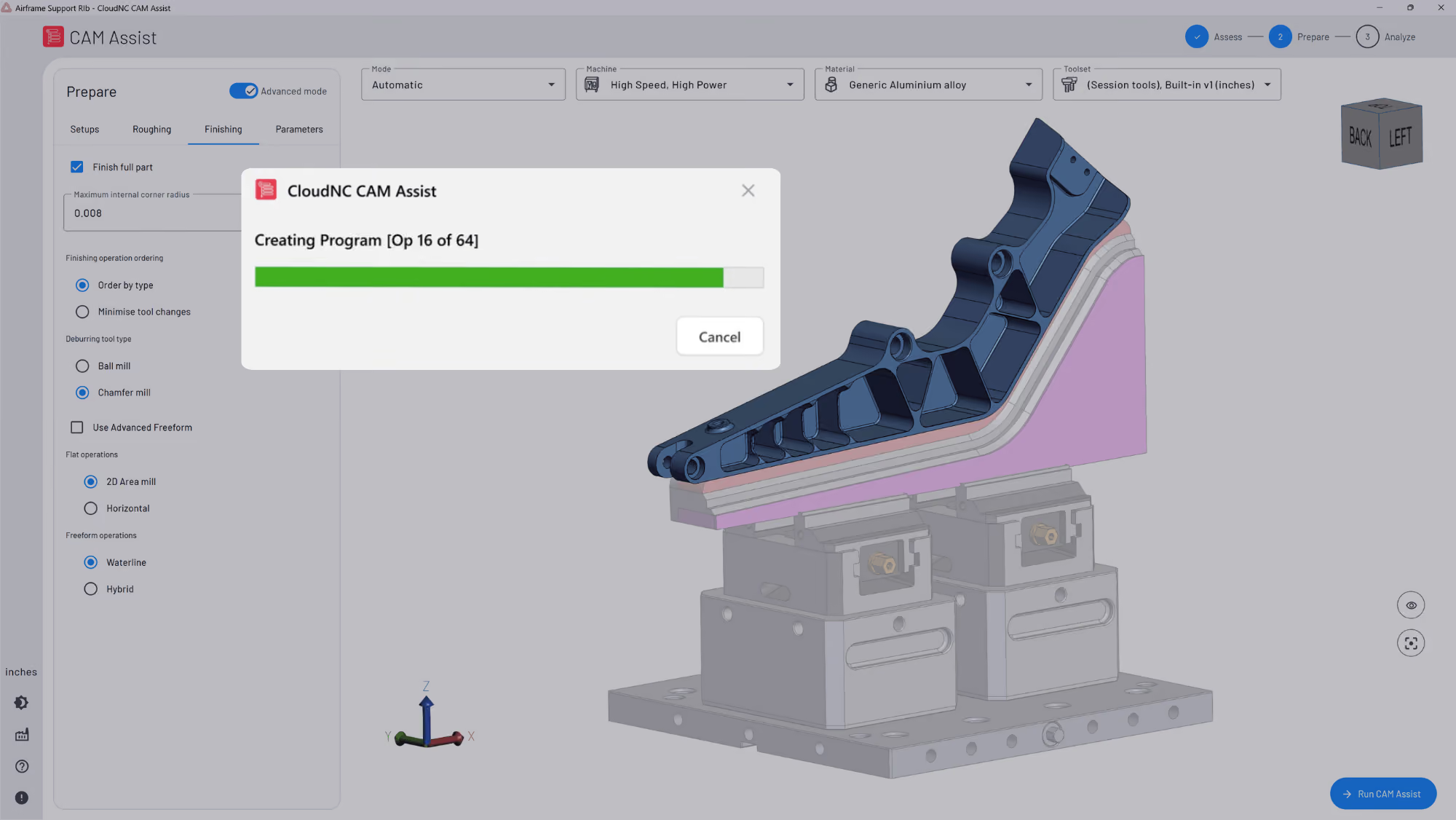
I work in Fusion and design parts for bicycles, particularly rear dropouts. Some of those parts need two or three setups, machining on both sides, and custom fixture plates to machine multiple parts at once. Before CAM Assist, I would often spend days trying to work out toolpaths, watching videos, testing ideas and running into dead ends.
Now, when I run a new part, I’ll first run it with my own tool library and then run a second operation with the CAM Assist library. I compare the two, which helps me learn as well as save time. Even small cycle-time improvements matter when I’m running multiple parts on a fixture plate.
As a one-man business, I simply can’t afford to spend days trying to figure out one toolpath for one part. That’s where CAM Assist has helped tremendously.
- What difference has CAM Assist made to your business? What are the benefits to you?
The biggest difference is confidence.
I don’t struggle with the design side. I’m very visual, I have a good grasp of geometry, and I’m good at turning what’s in my head into something on screen. The difficult part is taking that design, putting it into the machine, and ending up with a finished part.
CAM Assist has given me the confidence and the ability to design new parts, including more complex parts, that I might previously have avoided.
- Has CAM Assist saved you money or paid for itself?
Yes. It has saved me time, and that means it has saved me money!
When you work for yourself, there is always work you can’t charge for. CAM Assist reduces the amount of time spent figuring things out, and it has also saved me an immense amount of stress. That alone makes a real difference.
- What is the impact of you using CAM Assist for your customers?
My customers are going to be getting a product on their bicycle frame that nobody else has, because it’s my exclusive design work.
I’m a firm believer in designing the best part and charging properly for really good quality. In my opinion, what I’m making will be superior to what is currently available in the marketplace, and over time CAM Assist will help me bring those products to customers more efficiently.
- How do you plan to use CAM Assist in the future?
My goal is to become a small-scale producer alongside the frame building side of the business.
CAM Assist gives me the confidence to keep developing new parts and new ideas that I might otherwise have avoided because they felt too time-consuming or too difficult to machine. That opens up new opportunities for the business going forward.
- What do you think the impact of CAM Assist will be on manufacturing and machining?
I think it can help at three levels.
For beginners and hobbyists, it makes machining more accessible by giving them insight into toolpaths, which is arguably the hardest part.
For people moving from manual machining into CNC, it can shorten the learning curve and make it easier to get started without needing as much outside support.
And for more experienced shops, it offers a better way to analyse workflow and machining strategy.
The bigger point is AI. It’s happening. You’re either on the bus or you’re not. To somebody who is willing to learn, this opens up a whole new world of opportunity. At the end of the day, it really is about efficiency.
- Anything important that the above doesn’t cover?
CAM Assist has given me the confidence to do things I ordinarily wouldn’t do.
Once I’ve got my cash flow going with the parts I’m manufacturing, I’ll spend more time exploring new ideas, new concepts and new parts. Before, I might have looked at those and thought, “I can’t afford the time” or “that feels like too much effort.” Now I’m much more willing to push forward!
[This interview has been condensed and edited for clarity.]