CNC programming time has a direct impact on quoting, lead times, machine utilisation and shop-floor output.
Even when material, tooling and machine capacity are available, a job can still sit in a queue while the program is created, checked or edited. For many manufacturers, that makes programming one of the most important bottlenecks to solve.
The good news is that most delays come from repeatable issues: missing job information, unclear CAD data, weak tool libraries, manual setup work, late verification and repeated decision-making.
Here are six practical ways to reduce CNC programming time without adding unnecessary risk at the machine.
1. Measure where time is being lost
Start by finding the real source of delay.
Track simple metrics such as programming hours per job, time from job release to completed program, number of CAM revisions, simulation issues, shop-floor questions and post-release edits.
Review the last 20 completed jobs and mark the main cause of delay for each one. You may find that the issue is not toolpath creation itself, but missing information, unclear revisions or late-stage corrections.
Once you know the pattern, it becomes much easier to choose the right fix.
2. Standardise job intake
Programmers should not have to chase basic job details.
Every job should arrive with the latest model, correct drawing, material, stock size, quantity, target machine, tolerances, surface finish requirements, inspection needs and customer-specific notes.
A short programming intake checklist can remove a lot of wasted time. It also helps teams catch missing information before CAM work starts.
For repeat jobs, include a check against previous programs. That helps the programmer decide whether to reuse, adapt or rebuild the program based on the latest revision.
3. Clean up the CAD-to-CAM handoff
Poor CAD data slows programming before toolpaths are even created.
Common issues include broken geometry, mismatched drawings, unclear revisions, missing tolerances and models that are not set up for manufacturing.
Agree what a CAM-ready model should include. At minimum, that means a clean 3D model, clear revision control, matching drawing data, agreed file naming and enough manufacturing information for the programmer to make decisions quickly.
If the same CAD problems keep appearing, feed them back into engineering or quoting. Fixing the issue upstream saves time on every similar job that follows.
4. Maintain a reliable tool library
A good tool library saves time because programmers do not need to rebuild the same tooling decisions for every job.
It should include cutter geometry, holder data, stick-out limits, machine compatibility, material guidance, feeds and speeds, preferred roughing and finishing tools, coolant notes and approved alternatives.
The library needs an owner. If it becomes outdated, programmers stop trusting it and return to manual checks, old files and memory.
Start by cleaning the tools used most often. That gives the fastest return and supports better templates, simulation and AI-assisted CAM workflows.
5. Verify earlier with simulation
Simulation should not only happen at the end of programming.
If a collision, fixture clash, overtravel issue or missing tool is found late, the programmer may need to rework a large part of the program.
For higher-risk jobs, add a mid-program simulation check. Review stock, fixtures, holders, linking moves, retract heights, machine travel and posted code where possible.
Earlier verification helps catch problems while they are still easy to correct.
6. Use AI-assisted CAM for a faster first pass
AI-assisted CAM can help reduce blank-screen programming time.
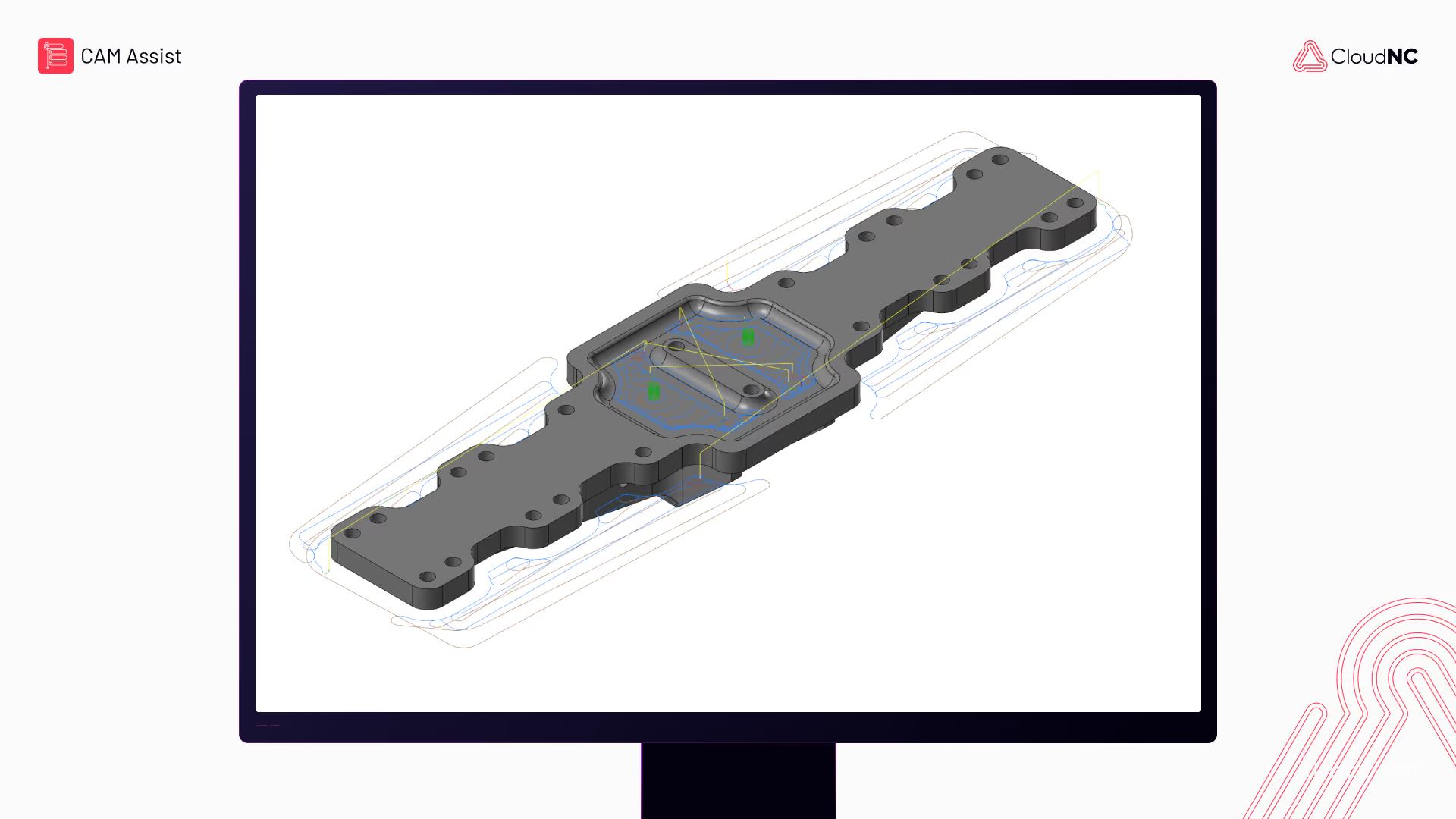
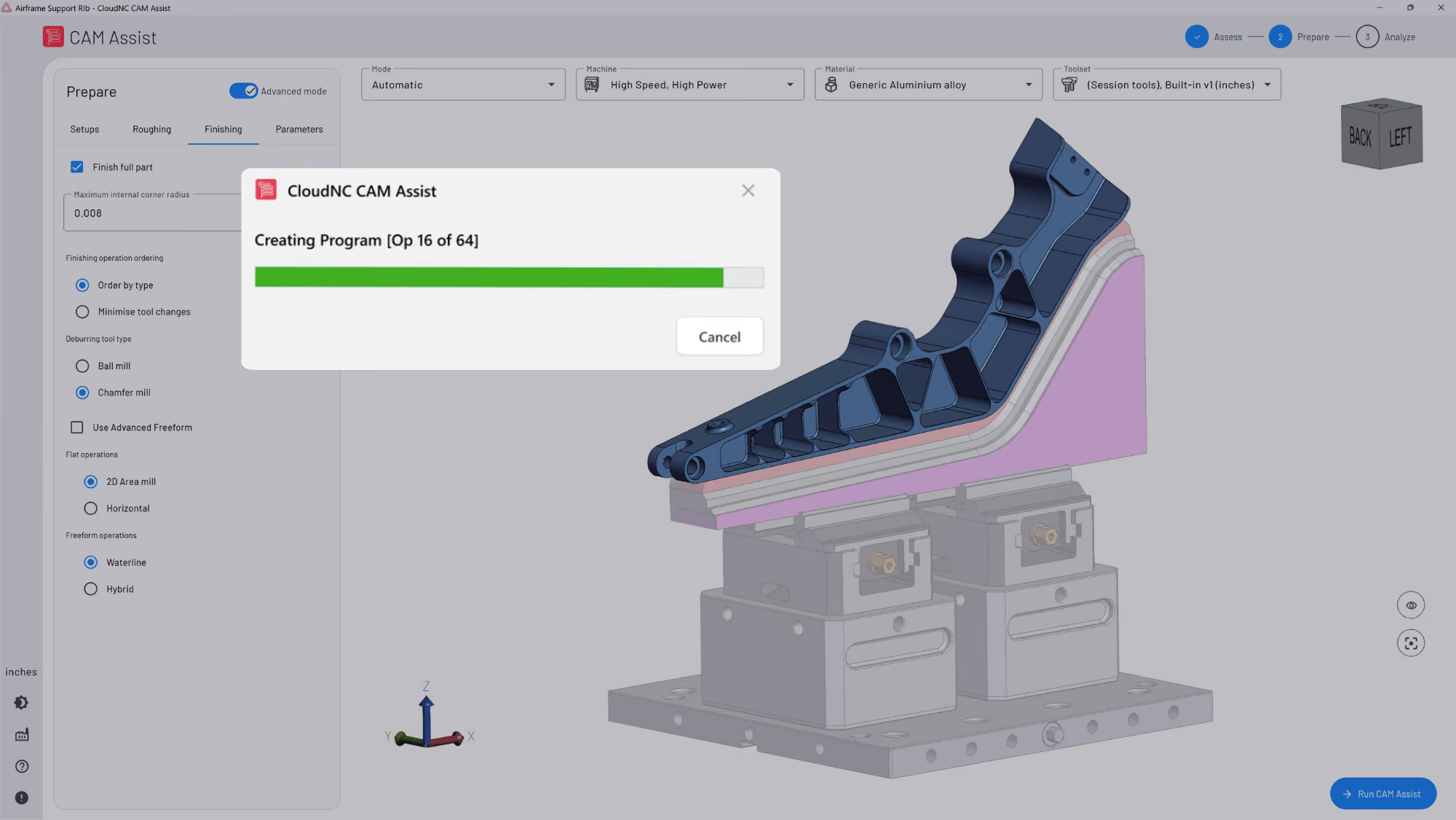
For suitable parts, tools such as CAM Assist can help create initial machining strategies that programmers can review, edit and validate inside their normal workflow, before it reaches the CNC quoting stage.
This works best when applied to repeatable 3-axis or 3+2 milling work, similar part families and standard machining strategies.
The goal is to give programmers a stronger starting point while keeping expert review in control.
A simple 30-day plan
To reduce CNC programming time, start with the highest-friction parts of the workflow.
In the first month:
- review the last 20 completed jobs
- create a programming intake checklist
- define what a CAM-ready model should include
- clean the most-used tools in the library
- add an earlier simulation checkpoint
- test AI-assisted CAM on one suitable part category
By the end of the month, you should know where time is being lost and which improvements are worth scaling.
For teams exploring AI-assisted CAM, CAM Assist can be tested on suitable workflows to see where it helps reduce first-pass programming time.