We sat down with CloudNC CTO Any Cheadle to find out all about the new Strategy Editor, which is now available for CAM Assist users (and included in existing licences).
- What is happening?
We recently launched CAM Assist 2.0, which is a major upgrade for CloudNC’s CAM Assist solution that shortens the journey from CAD model to machine-ready code, with the help of AI.
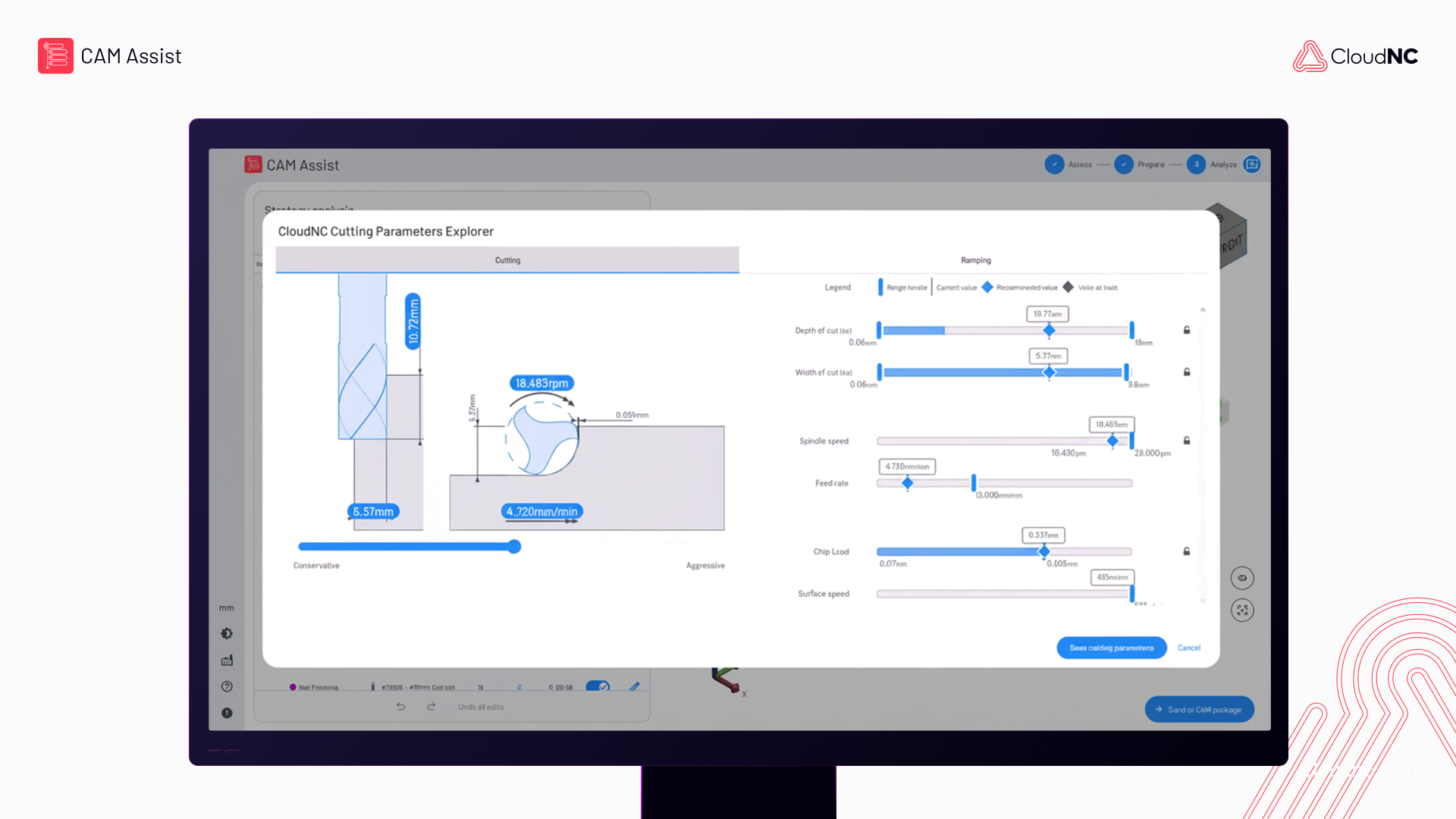
It includes the new Strategy Editor, which gives users more control of each step of the toolpath generation process, while also improving workflows and usability. The Strategy Editor is now available for all CAM Assist users, as part of their existing licenses.
- What is the Strategy Editor?
CAM Assist 2.0 is a web-based CAM automation application that initiates from the user’s CAM package. In the new web UI, the user can configure machines, materials and tool assemblies for toolpath generation.
Now, via the Strategy Editor, as toolpaths are being computed, control over strategy editing is passed to the user, keeping them in the loop of CAM decision making.
- Why does this matter?
CAM Assist 2.0 is a substantial improvement in terms of usability and control of the machining process. It builds on the speed of CAM Assist v1, but layers on the oversight, feedback and shared intelligence machine shops need to use CAM Assist with confidence.
Previously, when asked to generate toolpaths, CAM Assist would carry out its work and present the user with its solution. However, that might mean that the programmer would have to understand and unpick an extremely complex set of operations in order to understand the AI’s working, in effect changing the user’s role from creator to verifier.
The Strategy Editor gives control back to the programmer by enabling them to understand the AI’s working as it generates a strategy or operation, and edit and refine it. As a result, programmers stay firmly in control of every critical decision, while still spending just minutes turning CAD into reliable, shop-standard code - instead of hours.
- What’s new and better with Strategy Editor?
Three main things:
- AI guidance at every step: Context-aware recommendations appear precisely when you’re choosing strategies, tool assemblies or feeds and speeds, increasing feedback and helping you arrive at proven toolpaths faster and with greater confidence.
- Human-in-the-loop oversight: Before any toolpath is committed to your CAM system, the Strategy Editor enables review, letting you inspect, adjust and edit each strategy operation so shop standards are never compromised.
- Seamless hand-off: Once approved, the strategies are pushed directly back into your preferred CAM package, ready for code generation and verification.
The result: faster programming, more consistent machining strategies, and higher confidence in every job you send to the shop floor - all delivered in a workflow shaped by the people who use it every day.
- What does it do?
CloudNC recognizes that user input and learning more about our customers’ environments are essential to producing results from CAM Assist that are more intuitive to machinists. The Strategy Editor allows for more user control - but in discrete workflows. These flows are namely, configure, assess, prepare, and analyze.
- Who can use it?
CloudNC will make the Strategy Editor available to all customers across current integrations (Autodesk Fusion, GibbsCAM, Mastercam, Siemens NX, SolidCAM) and future ones.
- What has improved?
When configured, CAM Assist adapts to the user’s shop environment, tailoring outcomes in line with the tools and machines available.
With cloud-storage of these items, CAM Assist can run faster, utilize more extensive tool libraries and parameters and serve as a common source between CAM programmers. This helps standardise output and achieve consistent results.
Only the materials and tools needed will be shown in the main workflow, but the flexibility is built-in to expand. Tool library readiness is also displayed in CAM Assist, meaning that onboarding CAM Assist into a shop will be assisted automatically.
When parts are loaded into CAM Assist, the user will get immediate ‘Assess’ results if there are issues that could affect the successful running of CAM Assist. Clear and actionable feedback is presented so that the user can correct the model.
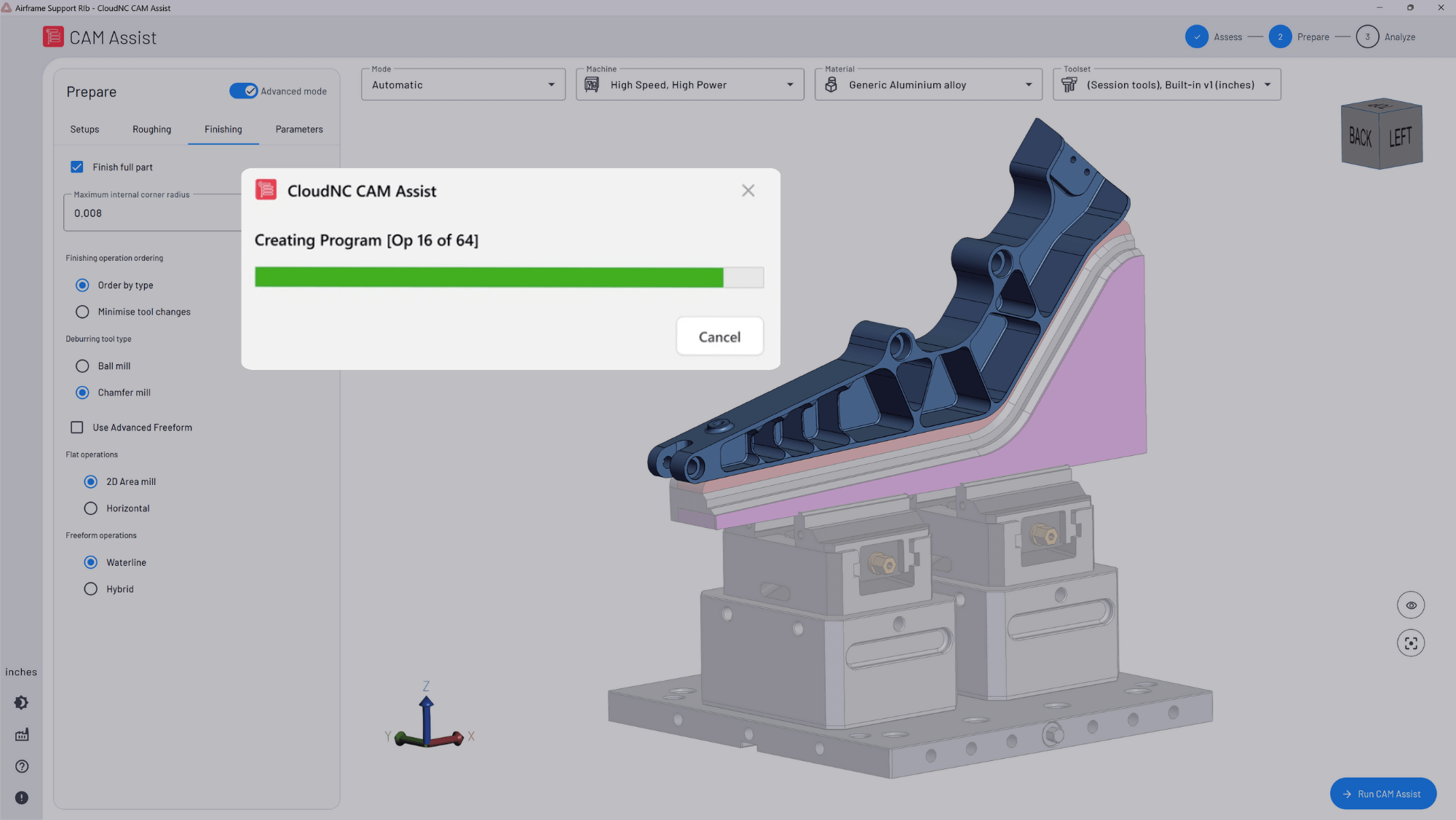
The machining mode, machine and material selection and tool library designation are fully configurable, but carry over run-to-run, so setting these variables up doesn’t need to interrupt the ‘Prepare’ workflow. Use the basic view for speed, or open up the advanced mode for detailed controls.
When CAM Assist is run, along with the progress indicator, engage with the results on-the-fly to get the intended results in the ‘Analyze’ workflow. Enable or suppress results, combined with other editing functions ensures that the results sent to the CAM package to generate will match expectations. The Strategy Editor even suggests tools that might be more appropriate, depending on the situation.
- Sounds great! What’s coming next?
We’ll shortly host a webinar on April 8 (16.00 UK time) on this to run people through how it all works - you can register interest here and we'll get in touch.
And as always, we’re looking to make CAM Assist even more useful! We’ve got some more exciting news on the way - including an update on 3+1 operations, support for more complex operations and a hole specification wizard - which I hope to share soon.